

offline
no accounts
no ads
no data collection
no algorithms
macOS
iOS
Spatial Audio
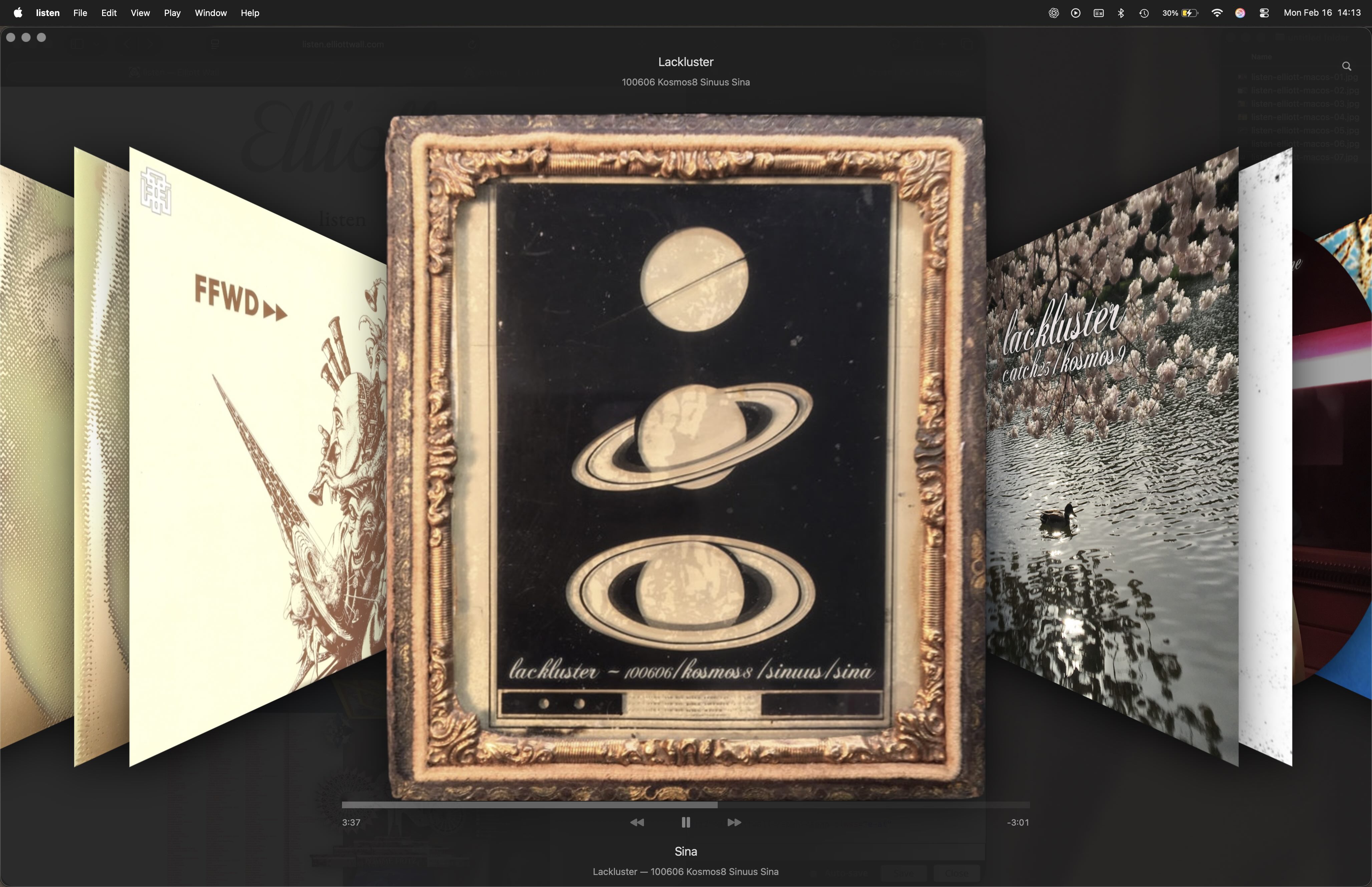
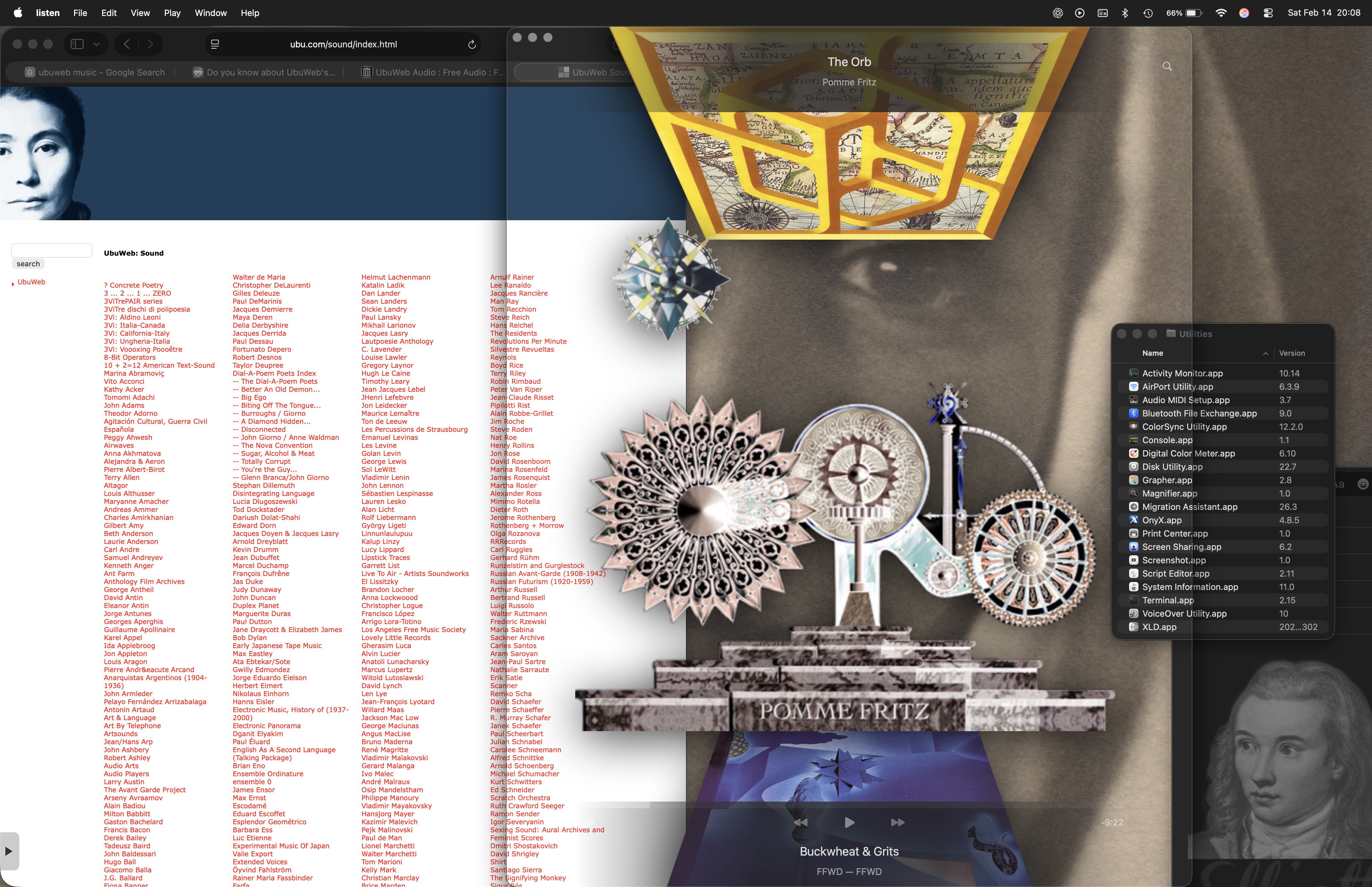
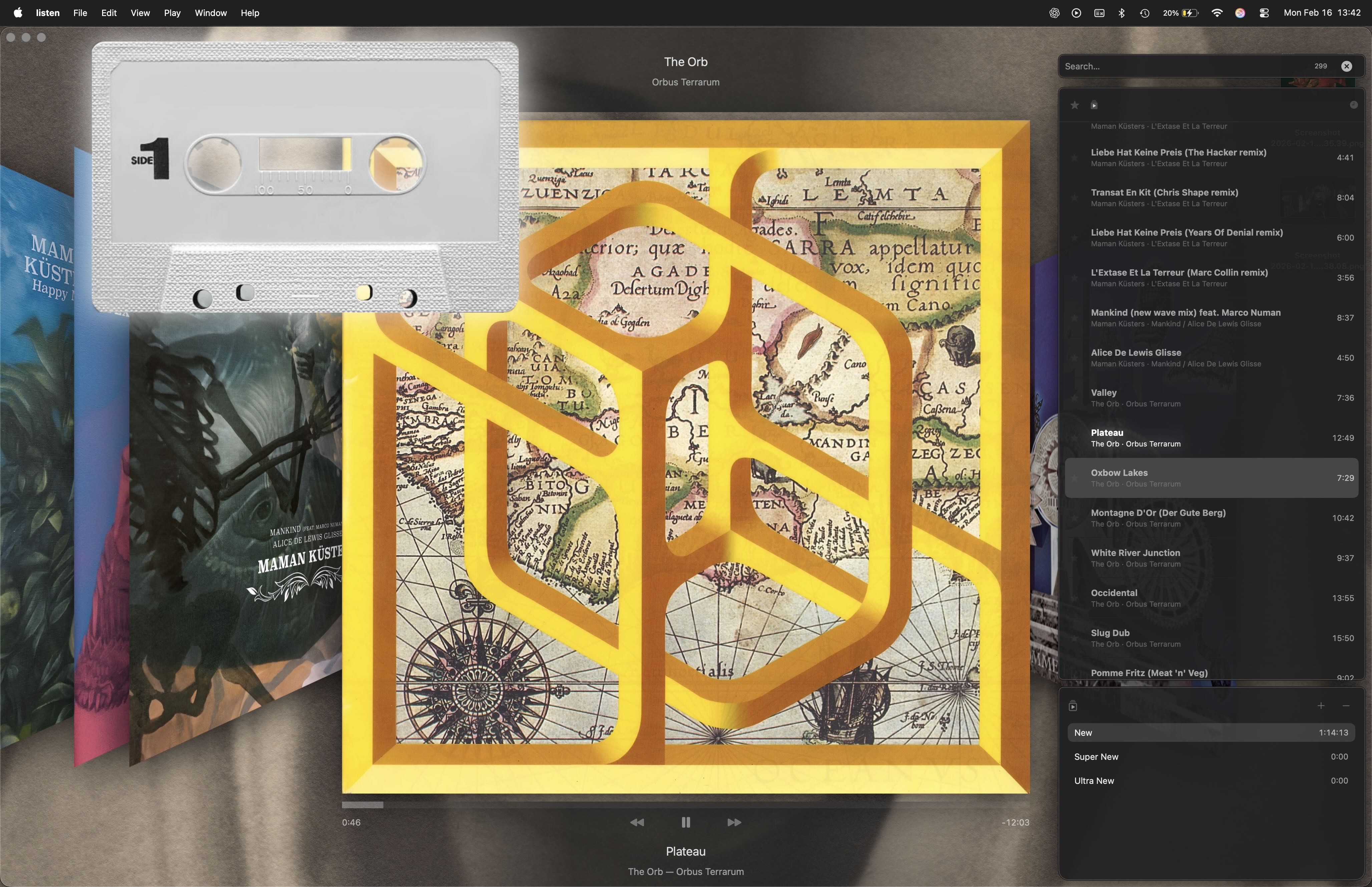
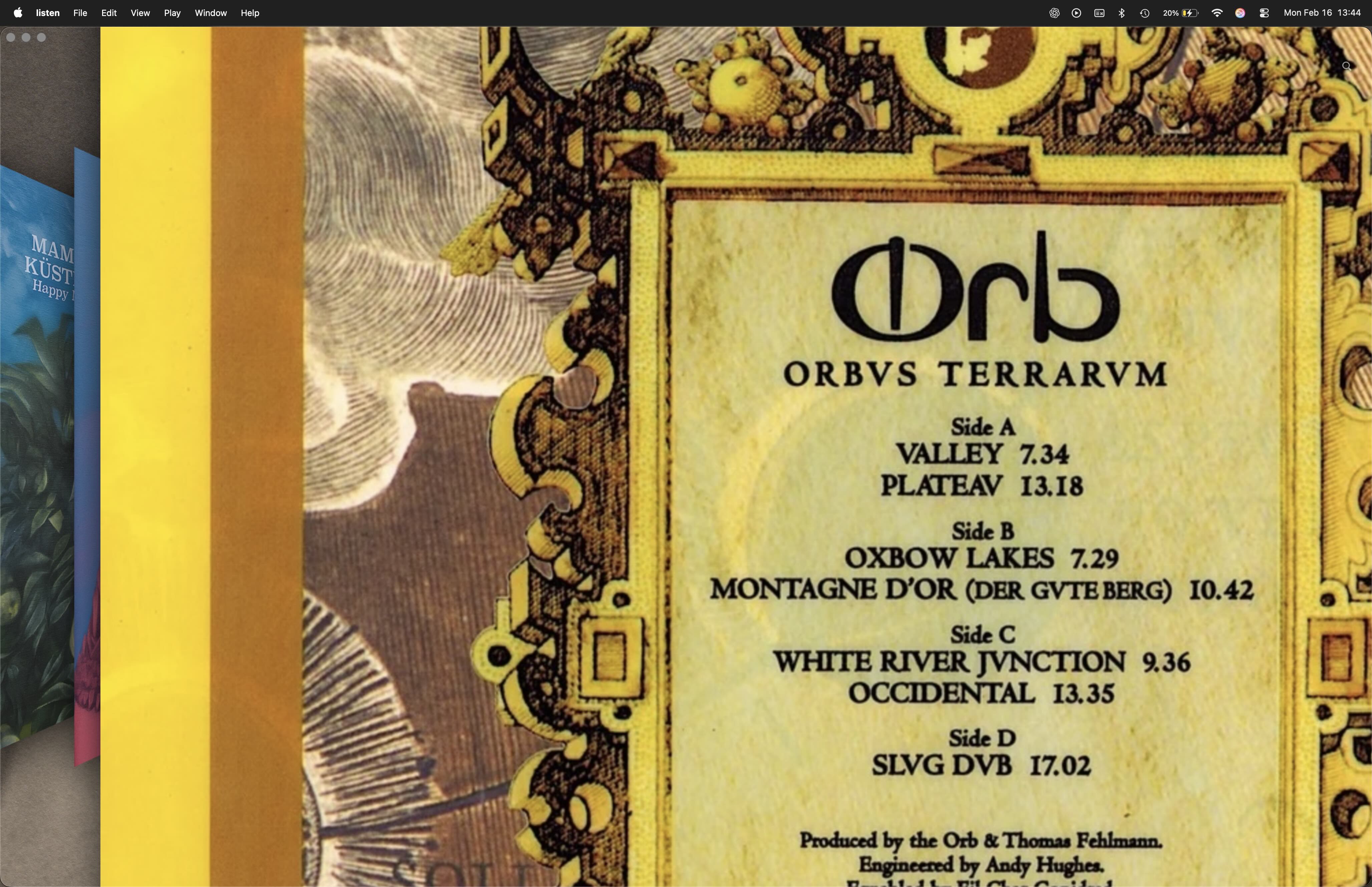
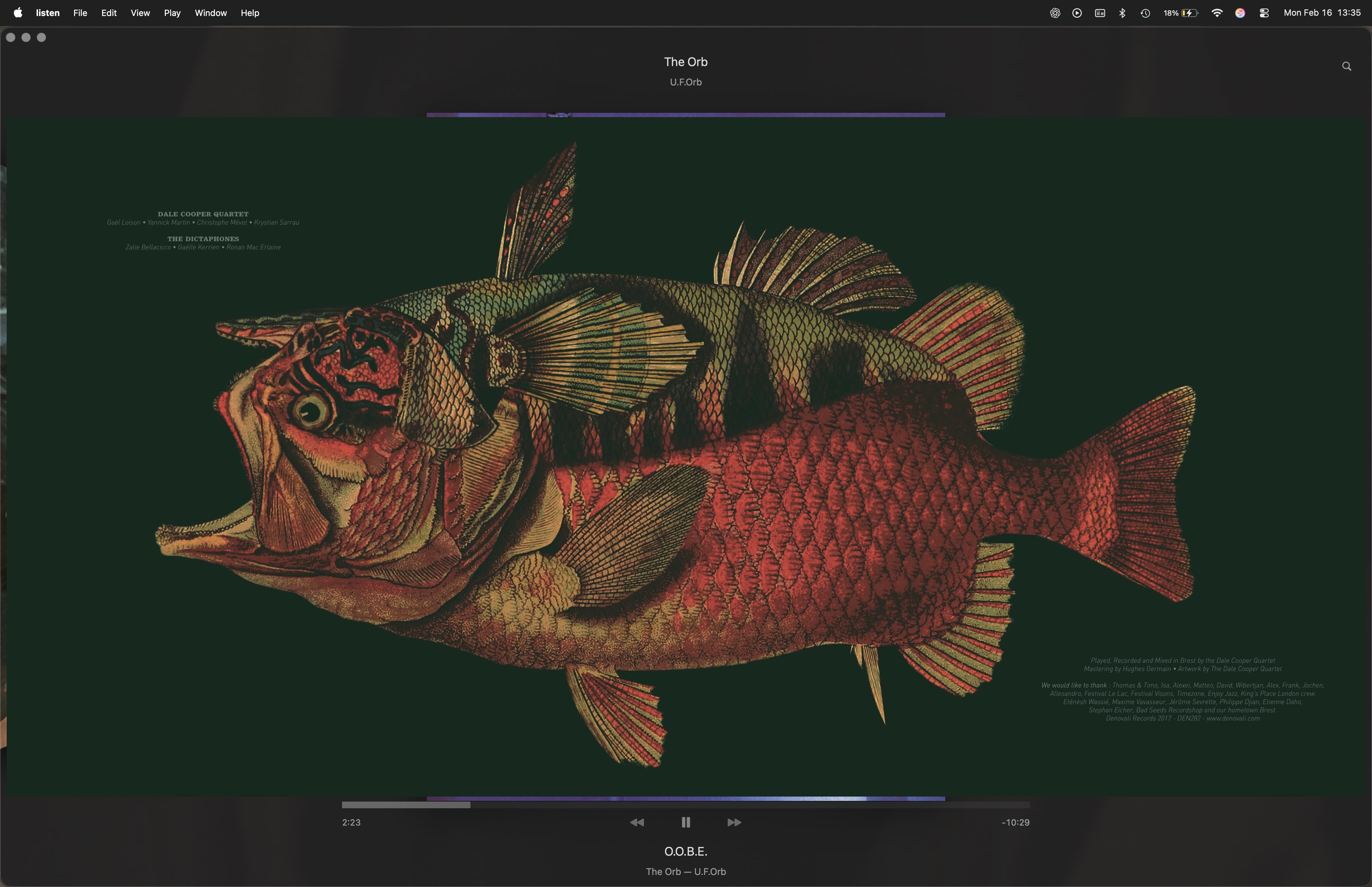
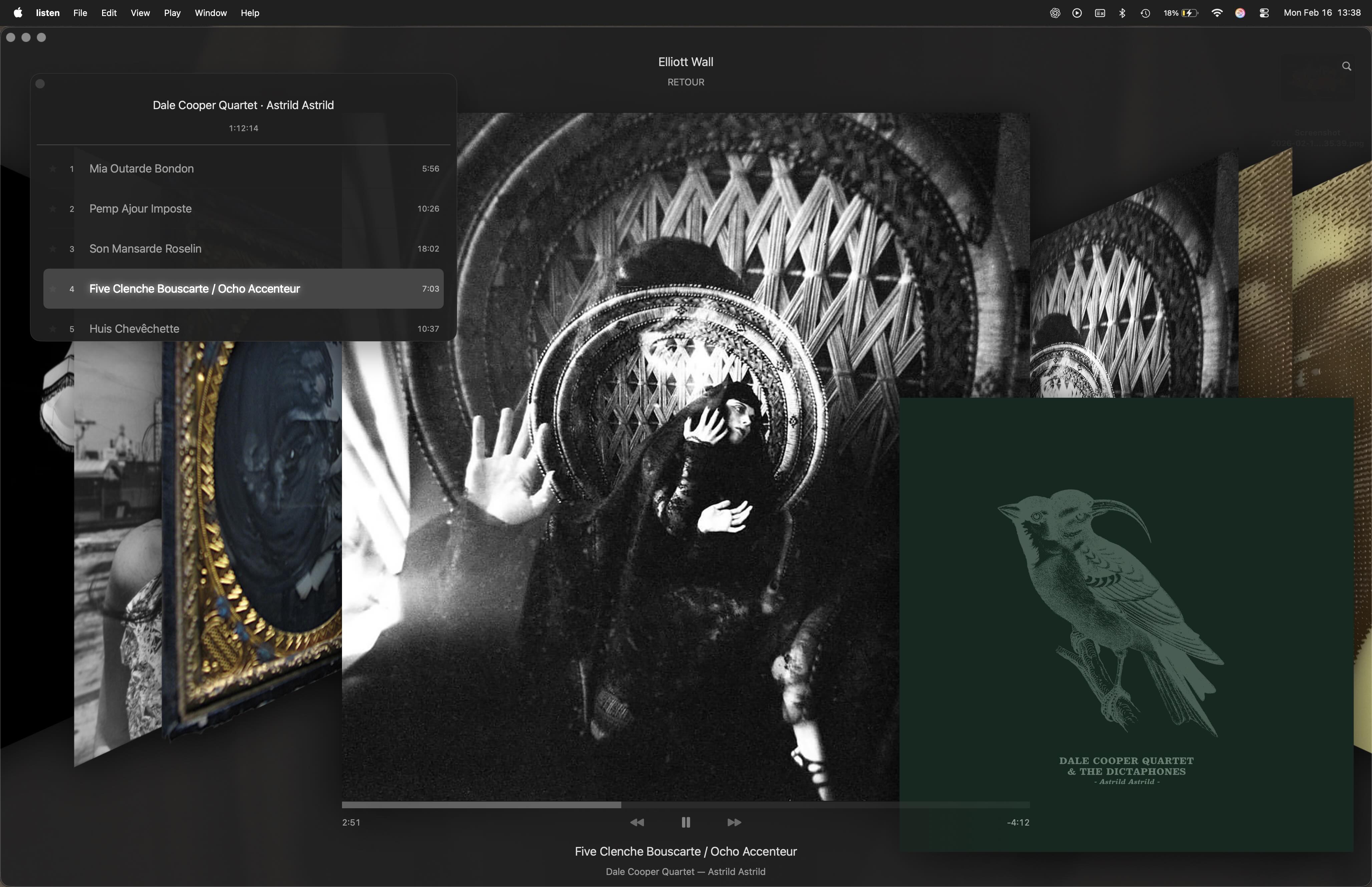
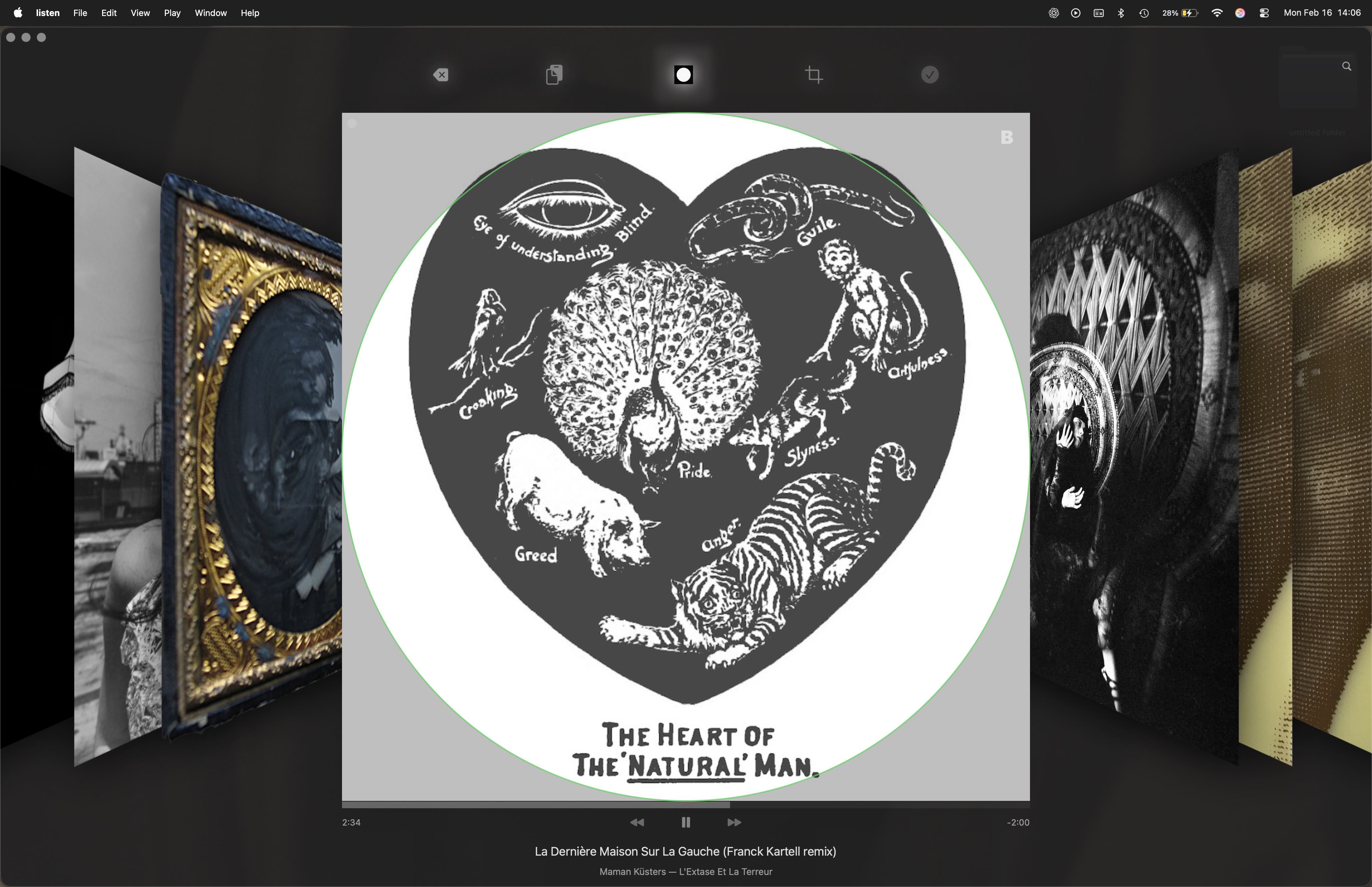
I am a simple creature. I want to buy a record, bring it home, put it on, and listen.
Long ago, the “features” of music listening were simple:
- discover something astonishing
- bring it home
- unwrap it
- place it on the turntable
- sit with the artwork — front, back, gatefold, inner sleeves
- read the lyrics
- listen deeply
Perhaps “features” are not always what some of us are looking for.
In listen, there is no social layer. No algorithm. No feed.
You import your music. You look at the album. You listen.
Flip the record over. Zoom in. Pull it from the shelf.
Sit with it.
There is a small Share feature — a postcard from the moment you’re in.
listen supports gapless playback, custom crossfades, and Apple’s head-tracked Spatial Audio, where the headphones can seem to disappear.
Artists make the music, listen brings it home.
Updates
2026.09.25: macoOS version In ReviewGetting Started
iOS: Sync music from your Mac’s Music library to your iPhone or iPad, then open listen and import. Before syncing, you may want to use File → Library → Get Album Artwork in Music on your Mac.
Support
listen is a small, independent app. If something isn’t working as expected, or you have a question or suggestion, please write to:
infoelliottwallcom
© Elliott Wall